1. Installation
To install the extension, simply access your site admin panel and navigate to "Extensions - Manage - Installation".
Locate the ZIP archive "mod_contacts_list.zip" on your computer, select it and click on "Upload and Install" button to lauch the installation process.
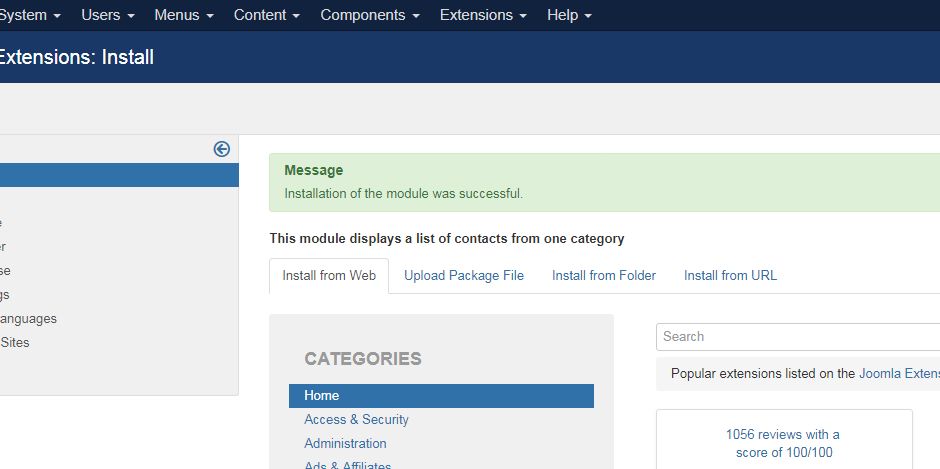
Few seconds later, a message confirm you that the process of installation is successfuly completed.
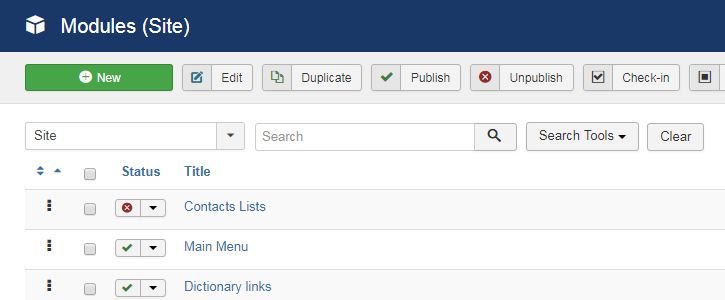
Now, "Contacts list" is available in your Modules manager: