
2. Setup
2.1 The parameters
Navigate to Extensions - Modules and click on New button.
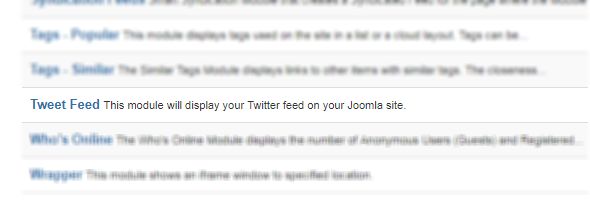
In the list, select Tweet feed.
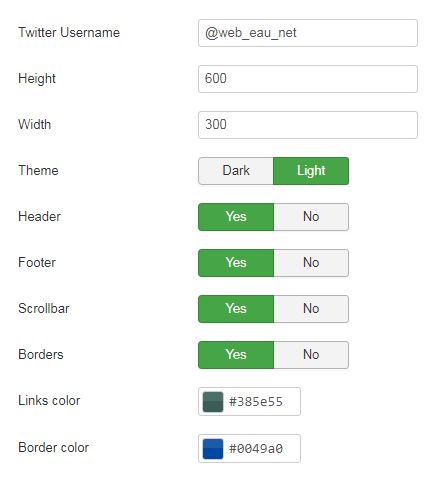
- Twitter Username: indicate here the Twitter Username like @MyTwitterUsername
- Height: indicate here the height of the module on your page (in px)
- Width: indicate here the width of the module on your page (in px)
- Theme: select the theme of the module: Dark or Light
- Header: select if you want to display (or not) the header of the module
- Footer: select if you want to display (or not) the footer of the module
- Scrollbar: select if you want to display (or not) the scrollbars
- Borders: select if you want to display (or not) the borders for the module
- Links color: indicate here the color for the links for your module
- Borders color: indicate here the color for the borders for your module
Don't forget to indicate the position of the module on the right part of the page and on which page the module must be displayed in the tab "menu assignment"
Click on "Save" once it's done.