
3. Display
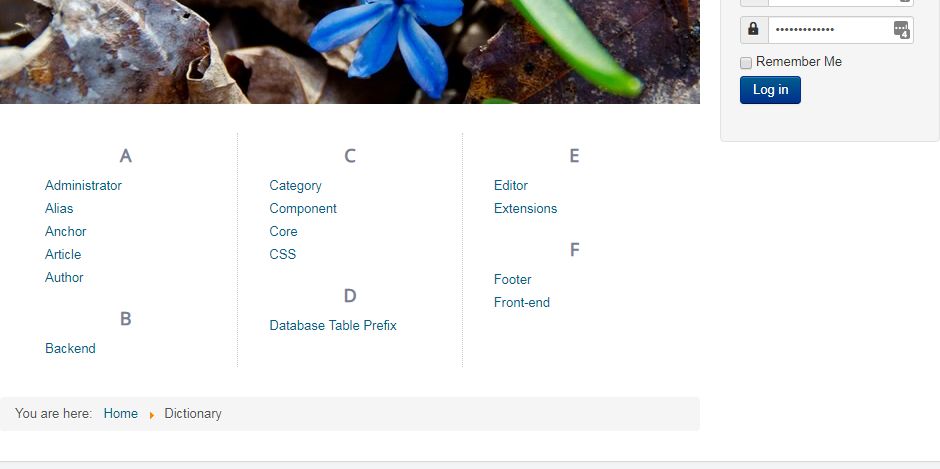
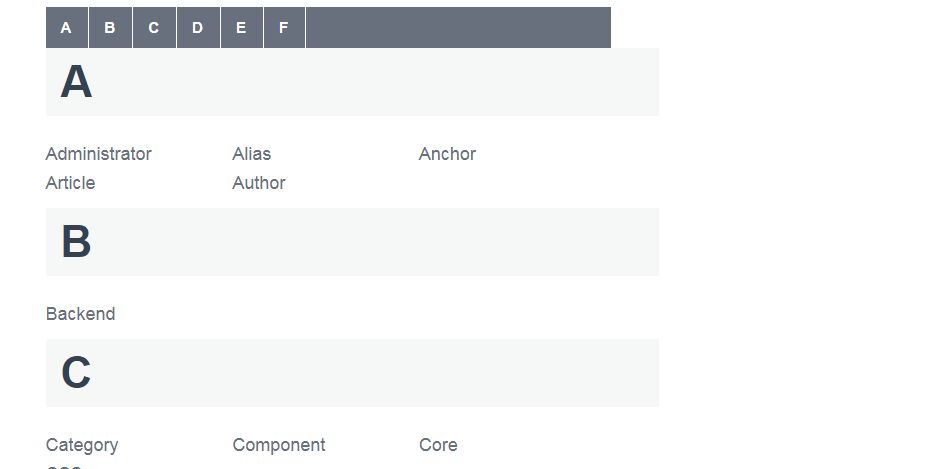
Since version 3.0, Dictionary is released with 2 different frontend display:
- Wikipedia style:
- List style:
3.1 The menu item
To display your glossary, you need to create a menu item.
Select your menu and click on "Add New Menu Item".
Select Dictionary as menu item type.
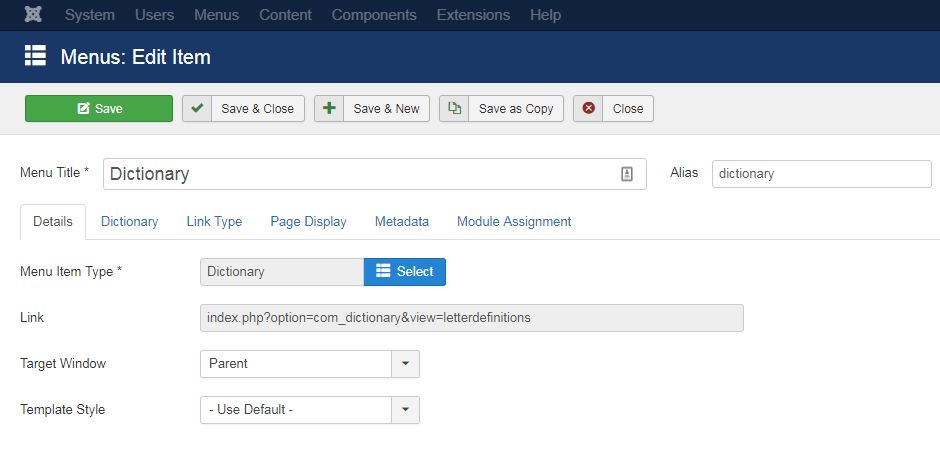
Click "Save and Close.
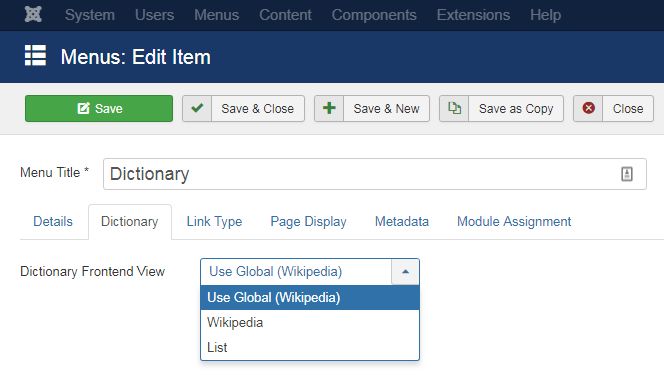
In the tab "Dictionary, you can select the frontend display style for your glossary.
3.2 Select your default style
Navigate to "Components - Dictionary" and click on the Options button on the top right of the page to access to the component configuration options.
Here, you can select the default style for your glossary.
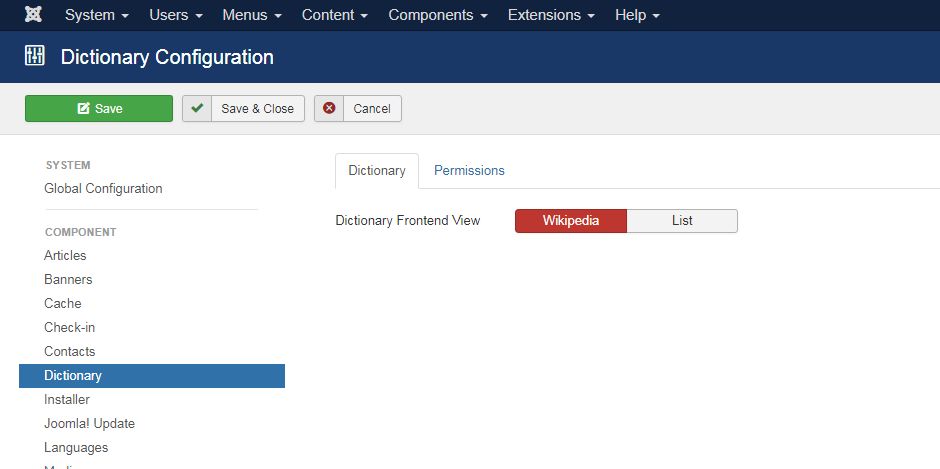
The style selected here is will be the default style in your menu item options.
If you want to switch to another style, select your desired one in your item menu and click on "Save".